


Choosing between an iPhone and an Android phone feels huge. Your phone holds your photos, chats, money and memories. This iPhone vs Android guide gives you plain answers, side by side, so you can pick the phone that fits your life. If you already own an Android and are thinking about switching, you will also get a short setup plan at the end.
Quick Answer: iPhone or Android?
There is no single winner. The best phone is the one that fits how you live.
Choose an iPhone if you want:
- A simple phone that just works
- Long software support and steady updates
- Easy pairing with an Apple Watch, AirPods, Mac or iPad
- Strong privacy controls built in
- A phone that keeps its resale value
Choose an Android phone if you want:
- More choice in styles, sizes and prices
- Deep control over how your phone looks and works
- Cheaper phones that still do the basics well
- Features like a microSD card slot on some models
- A phone that works closely with your Google account
Key takeaway: If you already use Apple gear, an iPhone is usually the easier fit. If you love tweaking settings or need a lower price, Android often wins.
iPhone vs Android at a Glance
Here is a quick look at the difference between iPhone and Android before we go deeper.
| Feature | iPhone | Android |
|---|---|---|
| Operating system | iOS, made by Apple | Android, made by Google |
| Who makes the phones | Apple only | Samsung, Google, Motorola, OnePlus and more |
| App store | App Store | Google Play Store (plus others on some phones) |
| Price range | Mid to premium | Budget to premium |
| Customization | Moderate | Very high |
| Updates | Direct from Apple to supported models | Depends on the brand and model |
| Messaging | iMessage and SMS/RCS | Google Messages (RCS) and others |
| Charging port | USB-C on iPhone 15 and newer | USB-C on most phones |
| Best for | Simplicity, privacy, Apple ecosystem | Choice, flexibility, lower prices |
iOS vs Android: Software and Ease of Use
Your phone’s software is what you touch all day. So this part matters a lot.
Interface and Customization
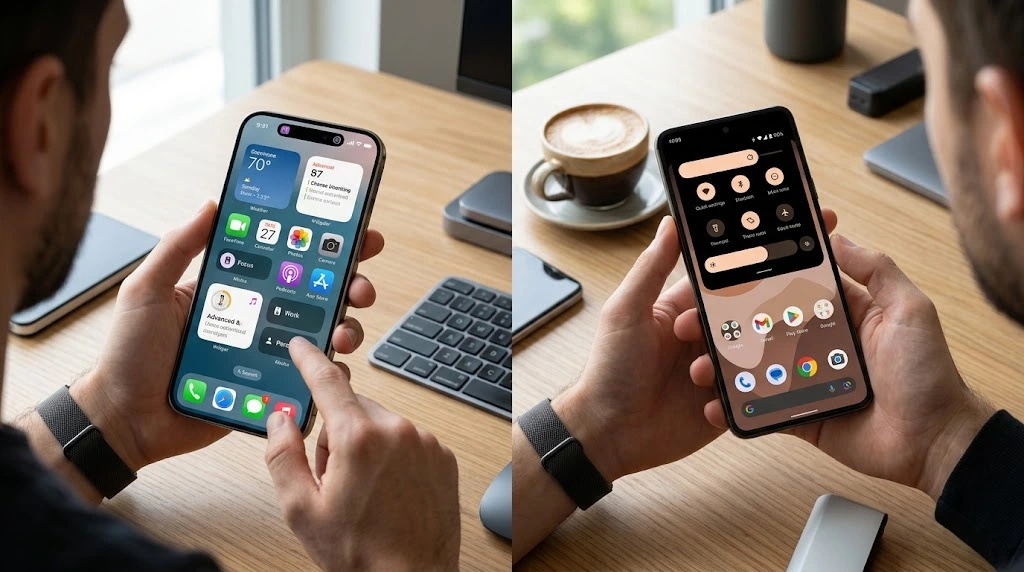
iOS keeps things clean and predictable. Icons sit in a grid. Settings are in one app. Once you learn the gestures on one iPhone, you know them on all of them.
Apple has added more control over the years. You can now:
- Place icons and widgets almost anywhere on your Home Screen
- Change your Lock Screen with different fonts, photos and widgets
- Set up Focus modes to quiet alerts by activity
- Change your wallpaper and app icon looks
Want fresh looks for your phone? Our iPhone wallpaper guide is a good place to start.
Android goes much further. You can swap the whole launcher, change icon packs, and set default apps with fewer limits. Each brand also adds its own look. A Samsung Galaxy feels different from a Google Pixel.
That freedom is great if you like to tinker. It can feel like too much if you just want things to work.
Quick tip: If you open Settings and feel lost on Android, remember that menus change by brand. On iPhone, the Settings app looks the same across models.
Software Updates and Support
Updates keep your phone safe and fast. Here is how each side handles them.
iPhone: Apple controls both the hardware and the software. When a new iOS version arrives, supported iPhones can get it at the same time. You do not wait for a carrier or a brand to approve it. Want to know how to check? See our guide on how to update your iPhone and what is new in iOS 27.
Android: Updates depend on the brand. Google Pixel phones get updates first. Samsung and a few other brands now promise many years of support on their newer flagship phones. Cheaper phones often get fewer years. Always check the update promise before you buy.
Key takeaway: For long, predictable support, iPhone is the safer bet. For Android, buy from a brand that clearly states how many years of updates you will get.
App Stores and Apps
Both phones have millions of apps. Almost every big app, like banking, streaming, social media and games, is on both stores.
- App Store (iPhone): Apple reviews apps before they go live. That lowers the chance of bad apps, though it is not perfect.
- Google Play Store (Android): Also has checks, plus a scanning tool called Google Play Protect. Android also allows installing apps from other places on many phones.
New apps and big updates sometimes reach iPhone first. Other times they arrive on Android first. Keeping apps current is easy on both. If you are on iPhone, here is how to update your iPhone apps.
Ecosystem: How Each Phone Works With Your Other Devices
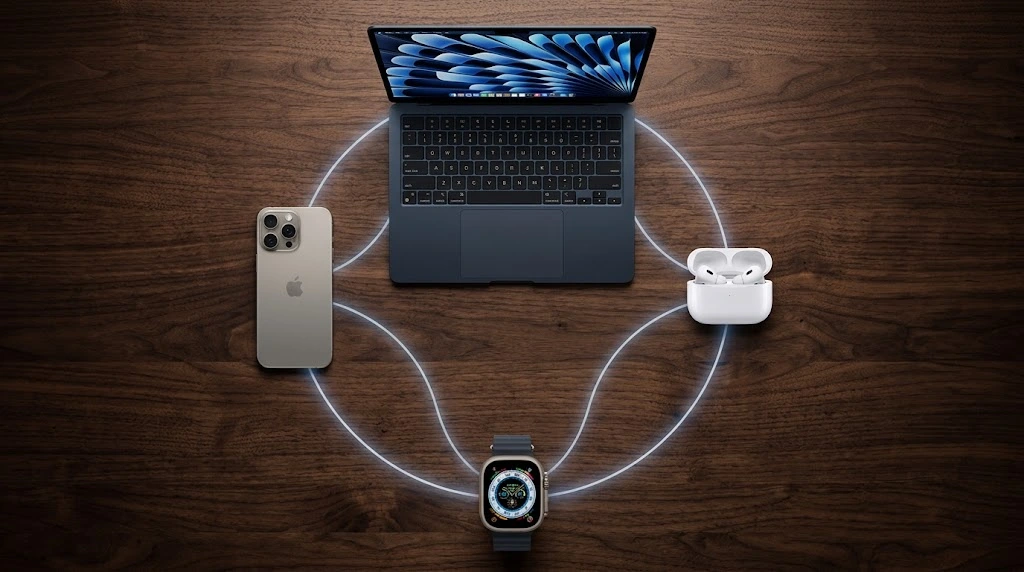
An ecosystem is how your phone teams up with your watch, earbuds, tablet and computer. This is where the iOS vs Android choice often gets decided.
The Apple ecosystem
If you own other Apple products, an iPhone feels like the missing puzzle piece. Things that work smoothly include:
- iMessage and FaceTime with other Apple users
- AirDrop for quick file sharing nearby
- Handoff to start something on your iPhone and finish it on your Mac
- iCloud to sync photos, notes and files
- Apple Watch, which only works with iPhone
- AirPods that switch between your Apple devices
Want to add a watch? Follow our steps to connect your Apple Watch to your iPhone. You can also learn how to use Apple Pay for fast checkout.
The Android and Google ecosystem
Android works best with Google services, such as Gmail, Google Photos, Google Drive and Google Maps. It also works with many watches and earbuds from different brands. Samsung phones link well with Samsung watches, tablets and earbuds.
Android is more open. That means more brands and more choice. It also means the experience can be less uniform.
Messaging: Blue and Green Bubbles
In the US, messaging is a big deal. Here is the simple version:
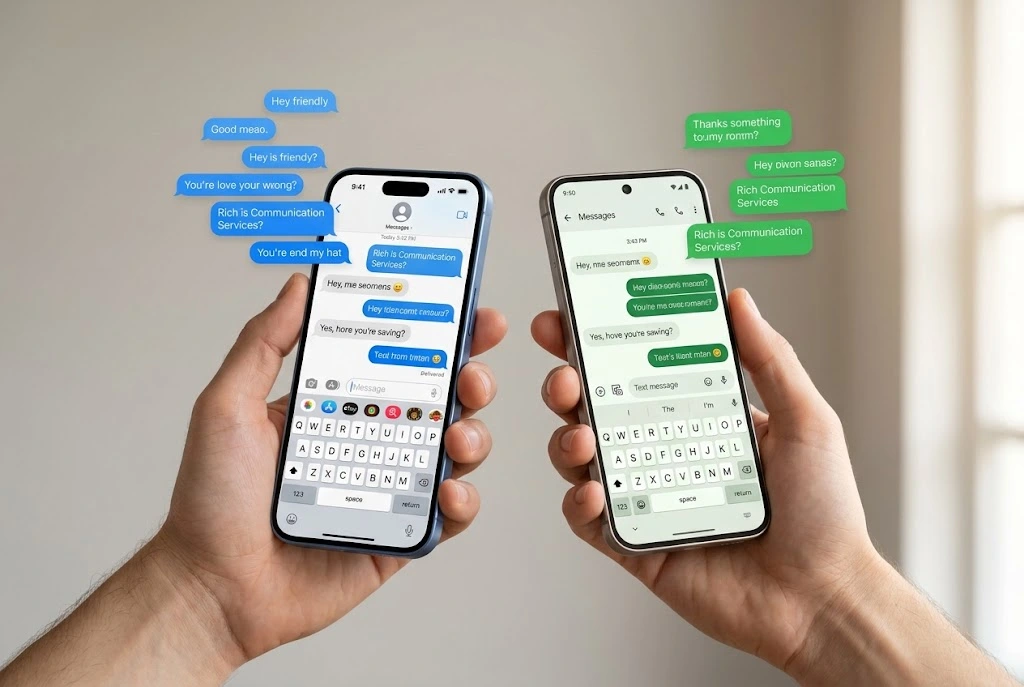
- iMessage works between Apple devices. Chats show as blue bubbles.
- SMS and MMS work between any phones. They show as green bubbles.
- RCS is a newer standard that Apple now supports. It brings better photo quality, typing indicators and read receipts to chats between iPhone and Android in many cases.
So the old problem of poor group chats with mixed phones is much smaller than it used to be. Still, Apple-to-Apple chats keep the richest features. If you are switching, make sure you turn on iMessage, and if it acts up, check why iMessage is not working.
Key takeaway: If your family and friends use iPhones, an iPhone keeps you in the same circle. If you live in Google apps, Android fits well.
Camera and Performance
Cameras
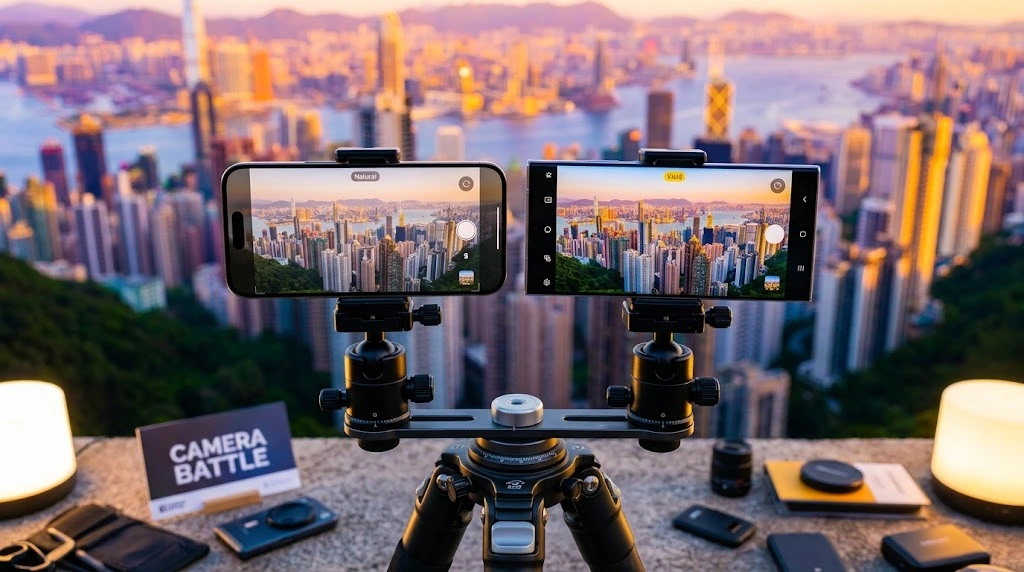
Both sides make excellent cameras. In real life, the gap is small for most people.
- iPhone cameras are known for natural-looking video, steady footage and easy point-and-shoot results. Many creators pick iPhone for video.
- Android cameras vary a lot by brand. Some models offer long zoom lenses, special night modes or strong AI editing tools.
The best way to compare is to look at real sample photos from the exact models you are thinking about. Camera quality depends more on the model than on the brand.
Looking at Apple’s newest phones? See our iPhone 18 Pro guide and our page on the newest iPhone.
Speed and Battery
iPhones are fast because Apple designs its own chips and its own software together. That tight match keeps them smooth for years.
High-end Android phones are very fast too. Cheaper Android phones can feel slower over time.
Battery life depends on the model, the screen and how you use the phone. Some Android phones have bigger batteries. iPhones often do well with efficiency. If your battery drains too quickly, see our fixes for iPhone battery draining fast.
Charging
Most new phones use USB-C. iPhones switched to USB-C starting with the iPhone 15 lineup. That means one cable can now charge many of your devices. Some Android phones charge faster than iPhones, so check the charging speed of any model you are considering.
Privacy and Security
Your phone knows a lot about you. So privacy and safety matter.
App Tracking and Permissions
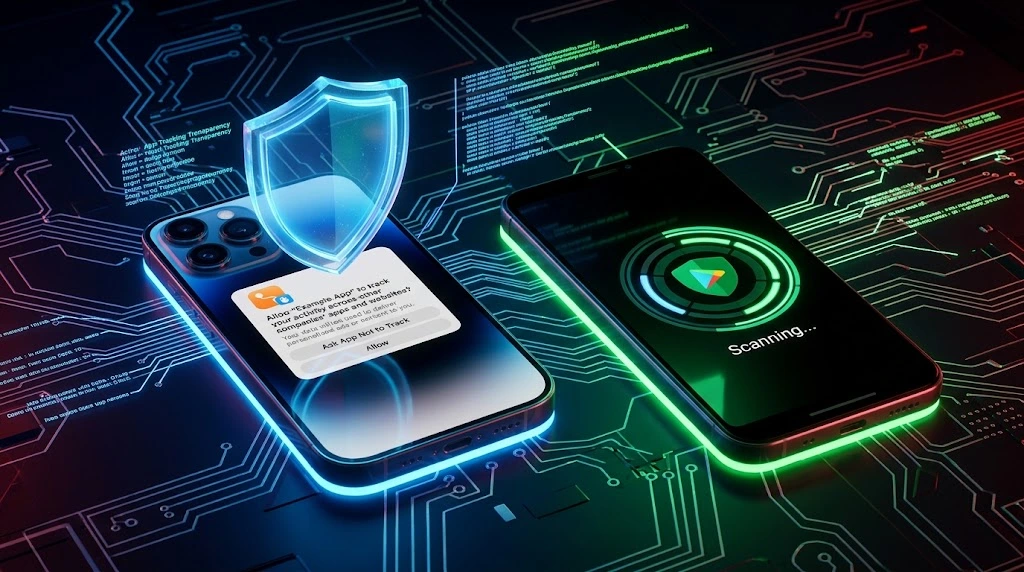
Apple built privacy into the iPhone as a main feature. A tool called App Tracking Transparency asks apps to get your permission before tracking you across other apps and websites. You can also see which apps use your camera, microphone or location.
Learn how to use it in our guide to stop app tracking on iPhone. You can also learn how to share your location safely.
Android also has strong privacy tools, such as permission controls, a privacy dashboard and one-time permissions. How many controls you get can vary by brand and Android version.
Malware and App Store Rules
Because Apple controls the App Store closely, iPhones face fewer malware problems. Android is more open, so there is more room for risky apps if you install from unknown places.
You can stay safe on either phone with a few habits:
- Only install apps from official stores
- Keep your phone updated
- Use a strong passcode and biometrics
- Turn on two-factor authentication for your main accounts
- Do not tap links in strange texts or emails
Pro tip: Review app permissions every few months. Remove access you no longer need.
Both platforms also let you find a lost phone. On iPhone, see how Find My iPhone works.
Key takeaway: Both platforms are safe when you stay updated and careful. iPhone offers a more locked-down setup. Android offers more freedom with more responsibility.
Price and Value
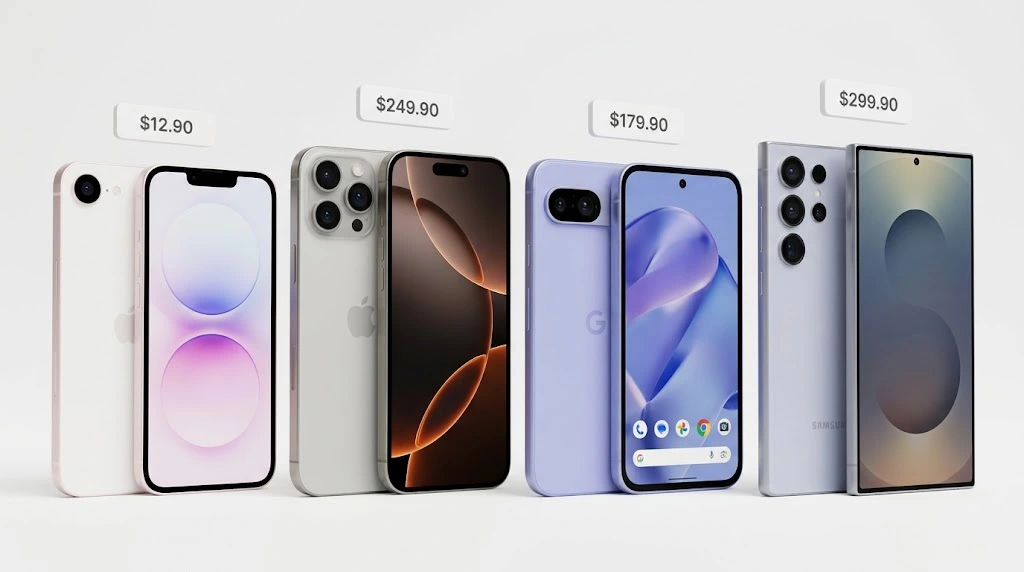
Price is often the deciding factor.
- iPhone: Starts at a mid-range price and goes up to premium. Apple also sells lower-cost models. For example, see our look at the iPhone 17e.
- Android: Spans a huge range. You can find a good phone for a small budget, or pay flagship prices.
Ways to Save on an iPhone
Not everyone needs the newest model. These options can cut the cost:
- Buy a refurbished iPhone from a trusted seller. Read our guide on refurbished iPhones.
- Buy last year’s model after a new one launches.
- Trade in your old phone.
- Check carrier deals and payment plans.
Total Cost Over Time
Look beyond the sticker price. Think about:
- How many years the phone gets updates
- Resale value when you sell it
- Cost of repairs and cases
- Cost of accessories, like a watch or earbuds
iPhones often hold their resale value well. That can lower the real cost of owning one. Before you buy a used iPhone, use our iPhone warranty check guide.
Key takeaway: Android wins on the lowest starting price. iPhone often wins on long-term value.
iPhone vs Android Pros and Cons
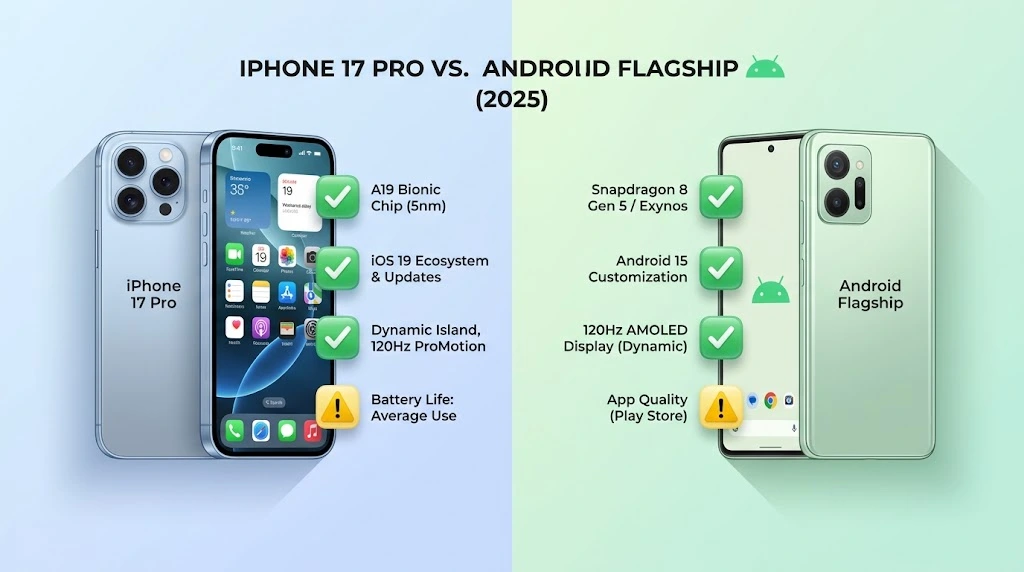
Here is a simple list of iPhone vs Android pros and cons you can scan quickly.
iPhone Pros and Cons
| Pros | Cons |
|---|---|
| Easy to use and consistent | Fewer phone styles to choose from |
| Long update support | Less customization than Android |
| Strong privacy tools | Higher starting price |
| Works great with other Apple products | Storage is not expandable |
| Strong resale value | Works best when you use other Apple devices |
Android Pros and Cons
| Pros | Cons |
|---|---|
| Huge choice of brands and prices | Update speed varies by brand |
| Deep customization | Menus differ between brands |
| Some models have expandable storage | Cheaper phones may slow down sooner |
| Works well with Google services | More room for risky apps if you sideload |
| Often better value at lower prices | Quality varies widely across models |
Who Should Buy an iPhone vs an Android?

Use these quick profiles to see where you fit.
An iPhone is likely best for you if you:
- Want a phone that is simple from day one
- Own a Mac, iPad, Apple Watch or AirPods
- Care about long update support
- Want strong built-in privacy
- Plan to keep your phone a long time
- Use iMessage and FaceTime with family
An Android phone is likely best for you if you:
- Want a lower price or more budget options
- Like to customize your phone
- Prefer Google apps and services
- Want features that only some brands offer
- Want a wider choice of sizes and styles
- Use a Windows PC and Google services daily
Still not sure?
Try this simple test:
- List the devices you already own. Do they work better with Apple or Google?
- Ask your close family and friends which phones they use.
- Set your budget for the phone and the next 3 years.
- Test both in a store if you can.
- Pick the one that feels easier, not the one with the longer spec list.
Switching From Android to iPhone: What to Do First
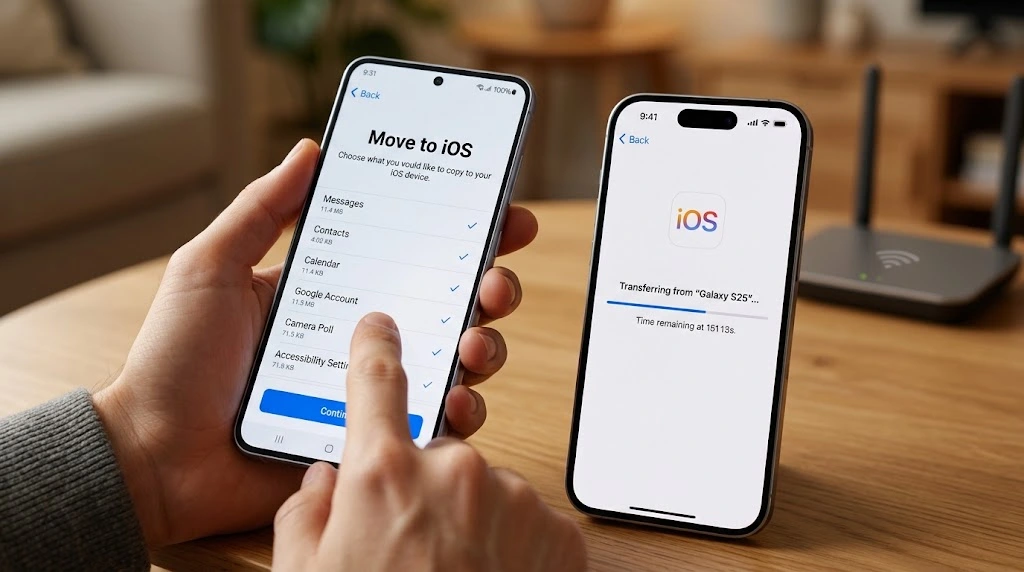
Already decided on an iPhone? Good news: moving over is easier than most people expect. Apple makes a free app called Move to iOS for Android phones. It helps move contacts, message history, photos, videos and more during setup.
Before You Switch
- Charge both phones. Keep them plugged in during the move.
- Connect both phones to Wi-Fi.
- Back up your Android data to be safe.
- Check your new iPhone’s storage. It should fit your content. If storage runs low later, see how to fix a full cloud with our iCloud storage full guide.
- Remember your Google account login and other passwords.
Create Your Apple ID
Your Apple ID is your key to the App Store, iCloud, iMessage and more. If you do not have one, follow our steps to create an Apple ID. Pick a strong password and keep it safe. If you ever need to update it, see how to change your Apple ID password.
Move Your Data
- Turn on your new iPhone and follow the setup steps.
- On the Apps & Data screen, tap Move Data from Android.
- Install Move to iOS on your Android phone from the Google Play Store.
- Open the app and follow the prompts. Enter the code that shows on your iPhone.
- Choose what to move, then wait until the bar finishes. Do not use either phone until it is done.
Note: Some app data will not move. You may need to download your apps again and sign back in. Paid apps may need to be bought again on iOS.
Set Up the Basics
Once your data is across, do these quick steps:
- Turn on iMessage and FaceTime
- Add your email accounts. Here is how to add email to your iPhone.
- Set up voicemail. See how to set up voicemail on iPhone.
- Add cards to Apple Pay
- Turn on Find My for lost-phone protection
- Learn the basics, like how to take a screenshot and restart your iPhone
Back Up Right Away
Do not skip this step. A fresh backup protects your photos and settings if something goes wrong. Follow our guide to back up your iPhone with iCloud or a computer.
FAQ
Is iPhone better than Android in 2026?
Neither is better for everyone. iPhone is often better for simplicity, privacy and Apple device pairing. Android is often better for choice, customization and lower prices. Your habits and budget should decide.
What are the main differences between iPhone and Android?
The biggest differences between iPhone and Android are the maker, the software and the level of control. Apple makes both the iPhone and iOS. Android is made by Google and used by many brands, so there is more variety but also more difference from phone to phone.
Which is more secure, iPhone or Android?
Both are secure when you keep them updated and install apps only from official stores. iPhone has a more closed system, which helps limit risky apps. Android has strong tools too, but security can vary by brand and how quickly updates arrive.
Do iPhones last longer than Android phones?
iPhones often get long update support and keep their speed well, so many people use them for several years. Some newer Android flagships now promise many years of updates too. Check the update promise for the exact model before you buy.
Is it hard to switch from Android to iPhone?
No. The Move to iOS app can move your contacts, messages, photos and more during setup. Plan for about an hour. You will need to sign back in to most apps and learn a few new gestures.
Conclusion
The iPhone vs Android debate comes down to what matters most to you. Pick an iPhone for easy use, long support and a smooth Apple ecosystem. Pick Android for more choice, deeper control and flexible prices. Both are great phones today.
To decide, list the devices you own, set a budget and try each phone in a store if you can. If you go with an iPhone, you will find setup help right here on iPhone Tonic.
Where to go next:
- Compare Apple’s newest phone in our iPhone 18 Pro guide
- Read a model-level match-up in iPhone 17 vs Galaxy S25
- Learn what is coming in iOS 27
Further Reading
- Apple iOS overview: official feature details from Apple
- Android official site: official feature details from Google
- Apple Privacy: how Apple describes its privacy features
- Wirecutter: iPhone vs. Android: an independent review take
- PCMag: Android vs. iOS: an independent comparison

