


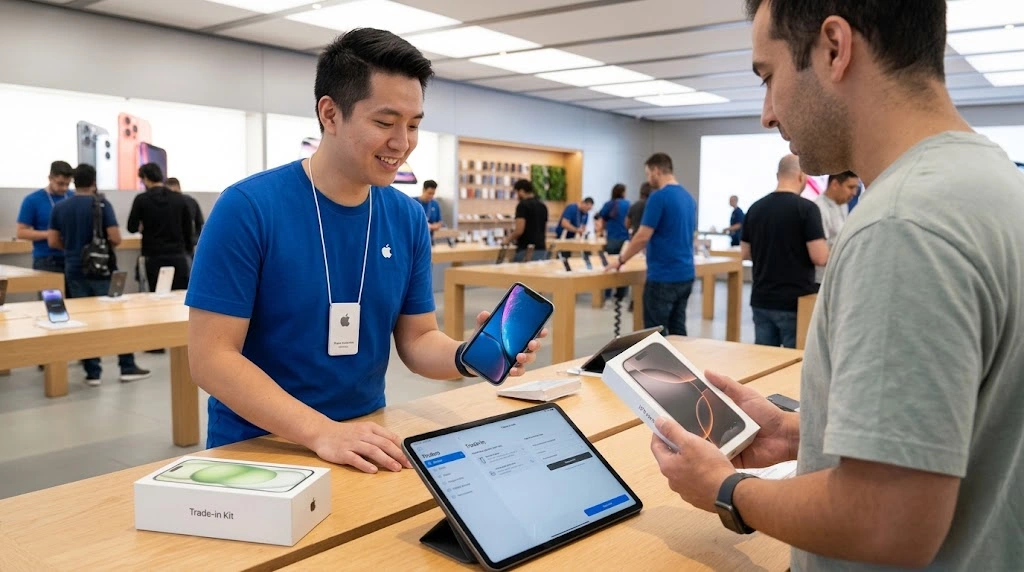
Thinking about an iPhone trade in before you upgrade? You are not alone. A new iPhone costs a lot, and your old one still has value. In this guide, you will learn how trade in works, what your phone may be worth, and how to get the most from it.
Quick answer: An iPhone trade in lets you hand over your old iPhone and get credit toward a new device. Apple’s credit is easy and fast. Selling your phone yourself often pays more, but it takes more work.
iPhone Trade In at a Glance
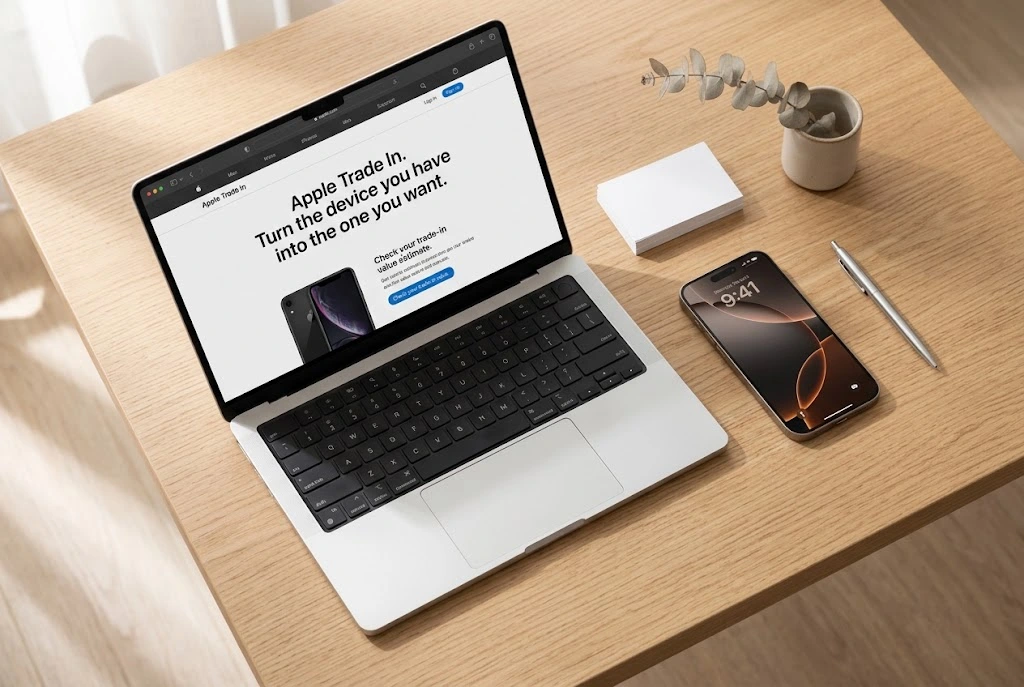
Let’s start with the basics. This section gives you the big picture in under a minute.
What Is an iPhone Trade In?
A trade in means you give your old phone to a company. In return, you get credit, a gift card, or money. The company then resells, refurbishes, or recycles the phone.
Most people trade in when they buy a new phone. That is why the offer is often tied to a purchase. You get a lower price on the new device today.
Here is what you usually need to know:
- You get value now. The credit shows up as a discount or a gift card.
- The phone must meet rules. It needs to power on, and it must not be locked to your account.
- The final price depends on condition. A cracked screen or weak battery can lower the offer.
Trade In vs Sell: Quick Answer
Both options turn your old phone into cash value. They just work in different ways.
| Trade In | Sell It Yourself | |
|---|---|---|
| Speed | Fast | Slower |
| Effort | Low | High |
| Usual payout | Lower | Often higher |
| Risk | Very low | Scams, no-shows, returns |
| Best for | People who want it simple | People who want more money |
If you want a quick, safe upgrade, trade in is a good fit. If you want to squeeze out every dollar, selling may win.
How Much Is Your iPhone Worth? (iPhone Trade In Value)
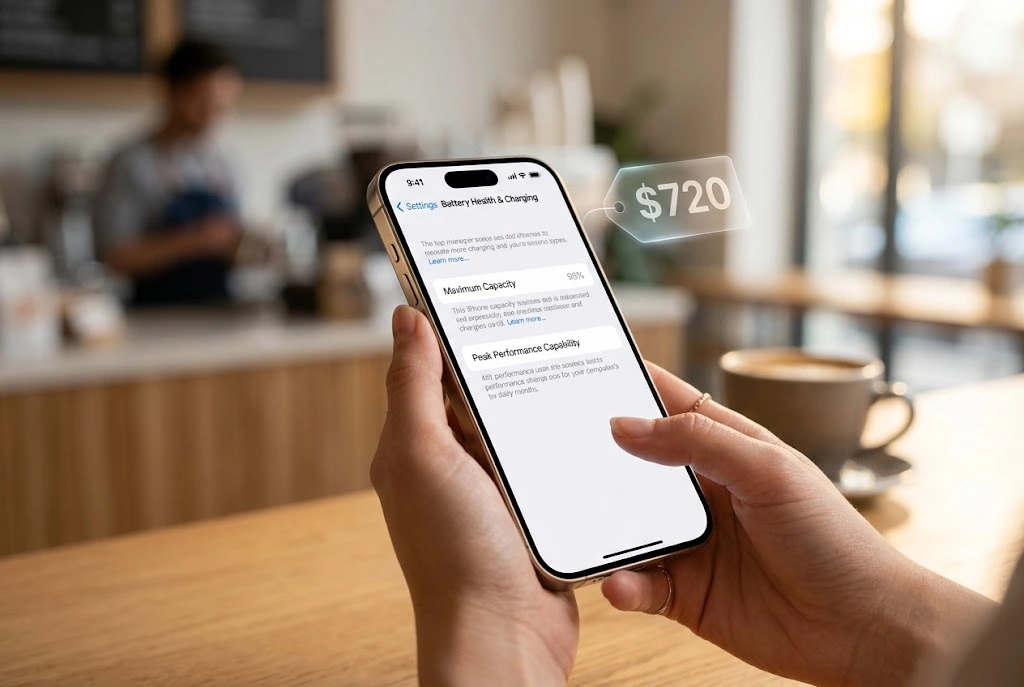
Your iPhone trade in value is not one fixed number. It changes with the model, storage, condition, and the company you pick. It also changes over time.
What Affects Your Trade In Value
Four things matter most:
- Model. Newer iPhones are worth more. An iPhone 16 Pro Max is worth far more than an older iPhone XR.
- Storage size. A 512GB phone can be worth more than a 128GB one of the same model.
- Condition. Scratches, dents, and cracks lower the offer. A working, clean phone gets the best price.
- Timing. Values often shift after Apple launches a new iPhone. Old models tend to lose value as new ones arrive.
Battery health can matter too. A weak battery may lower your offer. You can check yours in minutes with our guide on how to check battery health on iPhone.
How to Get an Apple Trade In Estimate
Getting an Apple trade in estimate is free and takes about two minutes. You do not need to commit.
- Open the Apple Trade In page.
- Choose your device type (iPhone).
- Pick your model. If you are not sure which one you own, see what iPhone do I have.
- Answer a few questions about the screen, buttons, and damage.
- Review your estimate.
Tip: Be honest about the condition. Apple checks the phone after you send it. If it looks worse than you said, the final value can drop.
You can also use a trade in value calculator from other sellers, such as carriers and buyback sites. Compare at least three before you decide.
iPhone Trade In Values by Model (2026)
Apple’s published numbers are always labeled “up to.” That means the best case for a phone in excellent condition. Your real offer can be lower.
Here are examples from Apple’s August 2026 update, as reported by 9to5Mac:
| iPhone Model | Apple “Up To” Value (U.S., Aug 2026) |
|---|---|
| iPhone 16 Pro Max | $720 |
| iPhone 16 Pro | $630 |
| iPhone 16 Plus | $485 |
| iPhone 16 | $480 |
Older phones are worth less. For example, Macworld reported in August 2026 that Apple’s values ran from about $90 for the iPhone XR up to $720 for the iPhone 16 Pro Max.
Important: Apple updates these numbers often, and new iPhone launches can change them. Always check Apple’s page for today’s price. Do not rely on a blog post, including this one, for the final number.
Note: These values are for the United States. Prices in the UK, Canada, and other countries are different.
How Apple Trade In Works
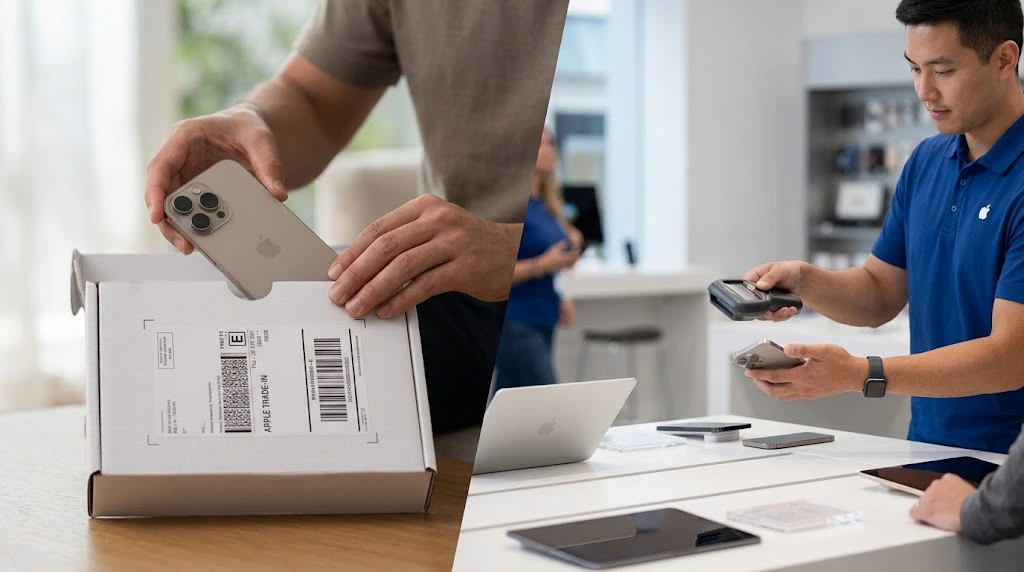
The Apple trade in program has two main paths: online and in store. Both end the same way. You hand over your old phone and get credit.
Trade In Online
Online is handy if you do not live near an Apple Store.
- Get your estimate on Apple’s trade-in page.
- Order your new device and choose to apply your trade in.
- Receive a shipping kit or label for your old phone.
- Prepare your phone (see the next section).
- Ship it within the time Apple gives you.
- Get your credit after Apple checks the device.
Apple compares the phone you send with the one you described. If they match, you get the full estimate. If not, Apple sends you an updated offer.
Trade In at an Apple Store
In store is the fastest way. A Specialist checks your phone and applies the credit on the spot.
There is one thing many people get wrong. If you plan to trade in at an Apple Store, do not erase your iPhone first. Apple’s support page says to leave the device as it is and bring it in. The Specialist will help you finish the remaining steps in store.
“If in-store trade in is available in your country or region and you’re trading in at an Apple Store, stop here.” — Apple Support
Also, remember your Apple Account password. You may need it at the counter.
Which iPhones Are Eligible?
Apple accepts many iPhone models, including older ones. But the phone must be in working shape for most credit. Your phone also needs to be free of any lock tied to your account.
Apple also warns about unfinished repairs. If your iPhone’s Parts and Service History shows a part marked “Finish Repair,” you need to complete that repair before you can trade it in.
Not sure your phone will work with your carrier after a trade in? Check if it is unlocked with our guide on how to see if your iPhone is unlocked.
What Happens to Your Old iPhone After Trade In?
Once your phone arrives, it goes through a check. The company tests the screen, buttons, battery, and cameras. Then it grades the phone.
A phone in good shape is usually resold or refurbished. A phone that is too damaged is often recycled for parts and materials. Either way, your old iPhone gets a second life instead of sitting in a drawer.
This is also why erasing your data matters so much. The next person should get a clean device, and your personal information should never go with it.
How to Prepare Your iPhone for Trade In
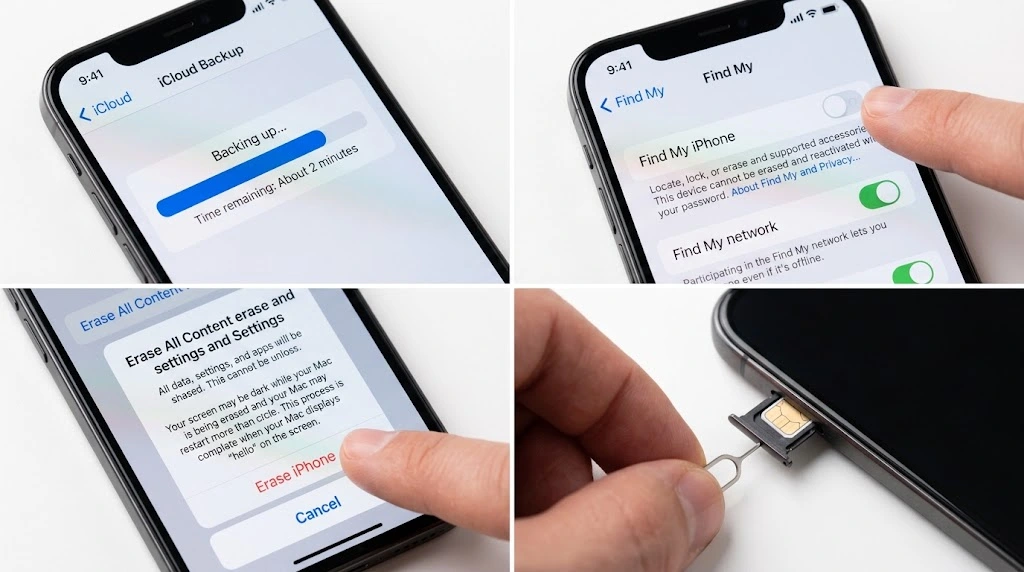
This is the part that protects your photos, messages, and accounts. Take your time here.
Learning how to prepare your iPhone for trade in takes about 20 to 30 minutes. If you trade in at an Apple Store, ask the Specialist before you erase anything.
Step 1: Back Up Your Data
Back up first. Once you erase the phone, your data is gone.
- Connect to Wi-Fi.
- Open Settings, tap your name, then tap iCloud.
- Tap iCloud Backup, then Back Up Now.
- Wait until it finishes.
You can also back up with a computer. Our full guides show you how: how to back up iPhone and iPhone backup to PC.
Step 2: Move Your Data to Your New iPhone
If you already have the new phone, transfer your data now. This keeps your apps, photos, and settings in one place.
Follow our guide on how to transfer iPhone to iPhone. Do this before you erase anything.
Step 3: Unpair Apple Watch and Turn Off iMessage if Needed
If you have an Apple Watch paired to the old phone, unpair it first. Our guide on how to connect Apple Watch to iPhone covers pairing and unpairing.
Switching to a non-Apple phone? Apple says to turn off iMessage so your texts still reach you. Also remove cards from Apple Wallet.
Step 4: Turn Off Find My iPhone
Find My and Activation Lock tie your phone to your Apple Account. If they stay on, the next owner cannot use the phone.
- Open Settings and tap your name.
- Tap Find My, then Find My iPhone.
- Turn it off and enter your Apple Account password.
Need help? See how to turn off Find My iPhone. Erasing the phone through Apple’s steps also turns these off.
Step 5: Erase Your iPhone
Skip this step if you are trading in at an Apple Store. Do it only if you are mailing the phone or selling it.
- Open Settings and tap General.
- Tap Transfer or Reset iPhone.
- Tap Erase All Content and Settings.
- Follow the prompts.
When you see the Hello screen, the erase is done. For more detail, read our guides on how to erase iPhone and how to factory reset iPhone.
Using an eSIM? Choose the option to erase the eSIM too when asked.
Step 6: Remove Your SIM, Case, and Screen Protector
Take out your physical SIM card. Remove the case and any memory cards. Peel off the screen protector, since buyers do not want it. If it is stuck, see how to remove a screen protector from iPhone.
Pro tip: If you ship the phone, take clear photos from all angles and a short video of it working. Keep them until you get your credit. They protect you if there is a dispute.
For Apple’s official checklist, see What to do before you sell, give away, or trade in your iPhone or iPad.
Best Places to Trade In Your iPhone
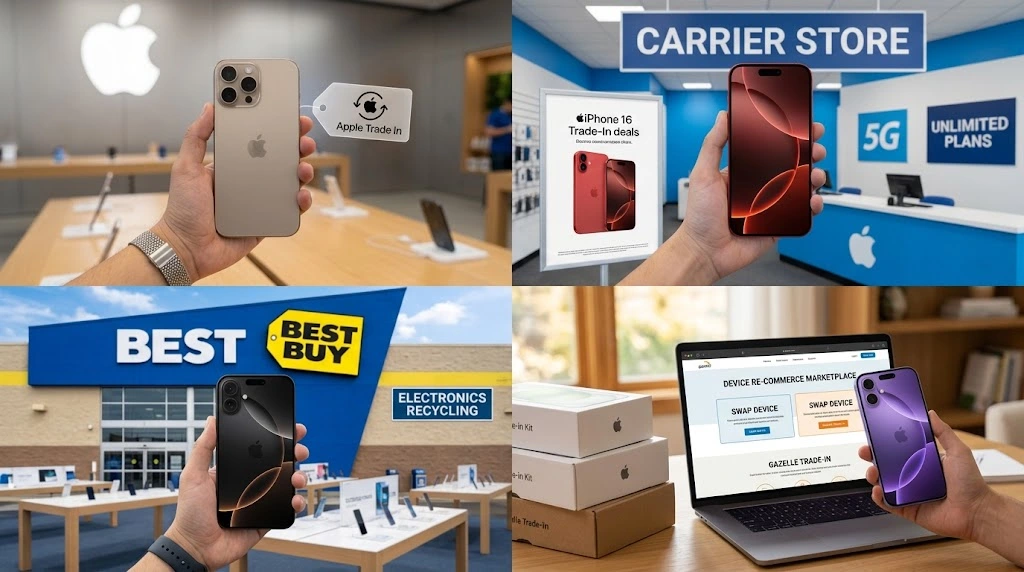
You have more choices than Apple. Here is how they compare.
| Place | Best For | Payment Type | Main Catch |
|---|---|---|---|
| Apple Trade In | Easy, trusted upgrade | Credit or Apple Gift Card | Usually lower than resale |
| Verizon | Verizon customers | Bill credits or promo | Often tied to a plan or new line |
| AT&T | AT&T customers | Credits or promo | Terms and contract rules |
| Best Buy | In-person ease | Gift card or credit | Value varies by condition |
| Gazelle | Quick online cash | Payment after inspection | Quote can change after review |
| Swappa | Selling to a buyer | Payment from sale | Takes longer |
| Back Market | Buyback offers | Payment after review | Offer depends on grade |
Apple Trade In
Apple is simple and trusted. Credit goes toward a new Apple purchase or an Apple Gift Card. It is not the highest payout, but it is easy.
Carrier Trade In (Verizon, AT&T)
A Verizon iPhone trade in or an AT&T iPhone trade in can look generous. Those big numbers are often tied to a new line, a plan, or a specific device. Read the terms before you compare them with Apple’s plain value.
Carriers often pay you through monthly bill credits. If you leave early, you may lose the rest of the credit.
Retailers (Best Buy, GameStop)
Retail stores let you walk in and get a quote. This is handy if you want help right away. Prices can differ by store, so check the quote first.
Buyback Sites (Gazelle, Swappa, Back Market)
These sites often pay more than a store credit. Some pay in cash. Swappa works like a marketplace, so you sell to another person. Gazelle and Back Market buy the phone and review it after it arrives.
Trade In vs Selling vs Buying Refurbished
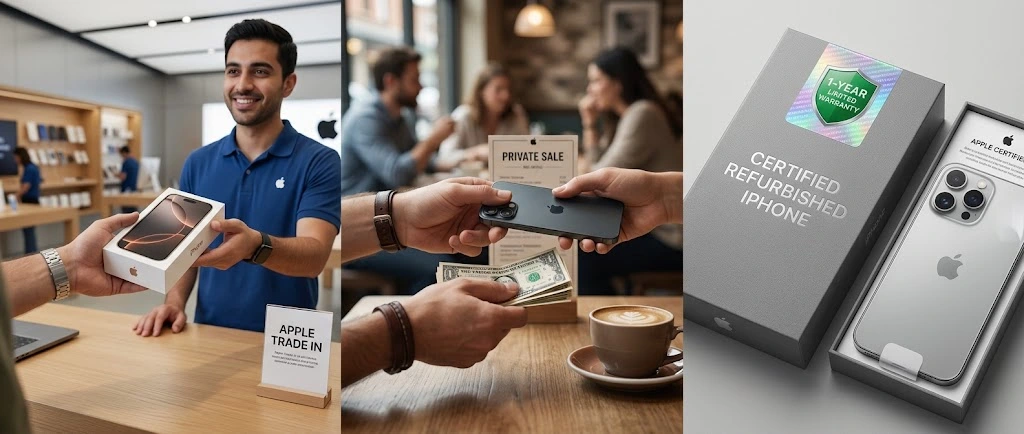
Trade in is not your only option. Let’s compare three ways to handle your upgrade.
| Trade In | Sell Privately | Buy Refurbished | |
|---|---|---|---|
| What you do | Hand in your old phone | List and sell it yourself | Buy a cheaper certified used phone |
| Money | Credit or gift card | Cash, often the most | Saves on the new purchase |
| Effort | Low | High | Low |
| Risk | Low | Medium | Low if from a trusted seller |
If you want to pay less for your next phone, read our guide on refurbished iPhone. Many people trade in an old phone and buy a refurbished one to save more.
Which one is right for you? Ask yourself:
- Do you want it fast? Trade in.
- Do you want the most money? Sell privately.
- Do you want to spend less overall? Buy refurbished.
How to Get the Most Money for Your iPhone
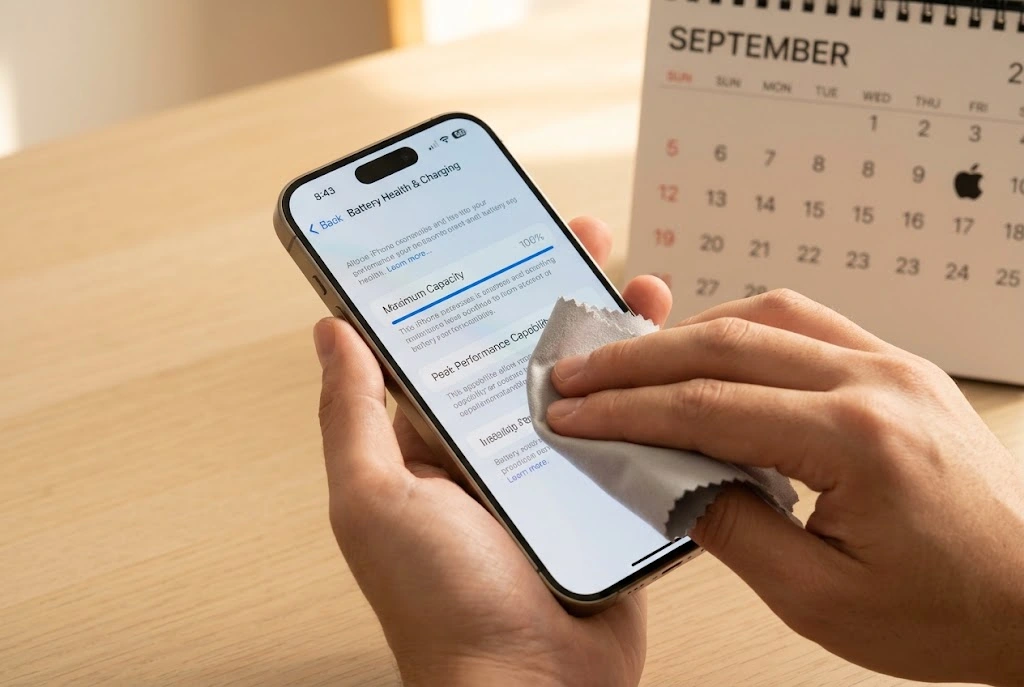
You can raise your offer with a few small moves. None of them are hard.
Check Battery Health and Screen Condition
Clean the phone and wipe the screen. Check for cracks and dents. A phone that looks cared for tends to get a better grade.
If your battery is weak, a new one might be worth it. A cheap fix can sometimes beat a lower offer. Read about it in iPhone battery replacement.
Time Your Trade In Around New iPhone Launches
Old phones lose value when new models come out. If you plan to upgrade, do it soon after you decide. Waiting months can lower your phone’s worth.
Apple has also changed its trade-in values several times this year, so check often. Reports show updates on March 2, May 27, and August 6 in the U.S.
Trade In for iPhone 18 Pro or iPhone Duo
Eyeing a new phone? Many offers tie trade in credit to the latest models. Learn more about the iPhone 18 Pro and the iPhone Duo before you pick. If you are unsure which is new, see what is the newest iPhone.
Quick Checklist
- Get at least three quotes.
- Be honest about condition.
- Keep your original box and cables if you have them.
- Back up and unlink your accounts.
- Read the fine print on carrier deals.
Is an iPhone Trade In Worth It?

The answer depends on what you value most. Money, time, and peace of mind all play a part.
When Trade In Is Worth It
A trade in makes sense in these cases:
- You are buying a new iPhone now. The credit is applied right away, so you do not need a second purchase step.
- You hate dealing with strangers. No listings, no messages, no meetups.
- Your phone is older or damaged. Private buyers often pass on these. A trade in program may still take it.
- You want a simple, trusted process. You know who you are dealing with from start to finish.
When Selling Is the Better Move
Selling yourself may win in these cases:
- Your phone is in great shape. A clean, recent model can fetch a better price from a private buyer.
- You are not in a hurry. You can wait for the right offer.
- You are not buying from Apple. Trade in credit is most useful if you plan to buy from the same place.
A simple way to decide: get your Apple estimate first. Then check what the same model sells for on a marketplace. If the gap is small, take the easy route. If the gap is large, selling may be worth the extra work.
Key takeaway: Trade in buys you time and safety. Selling buys you a higher price. Pick the one that matters more to you.
Trade In Mistakes to Avoid
Small errors can cost you real money. Watch out for these:
- Skipping the backup. Once you erase the phone, your photos and messages are gone for good.
- Forgetting Find My. This is the most common reason a trade in gets stuck.
- Overstating the condition. An honest quote protects you from a lower offer later.
- Ignoring the deadline. Online trade ins usually have a time limit to send the phone. Missing it can cancel your credit.
- Not reading carrier terms. Bill credits can disappear if you cancel your plan early.
- Erasing the phone before an in-store trade in. At an Apple Store, wait for the Specialist’s help.
Common iPhone Trade In Problems
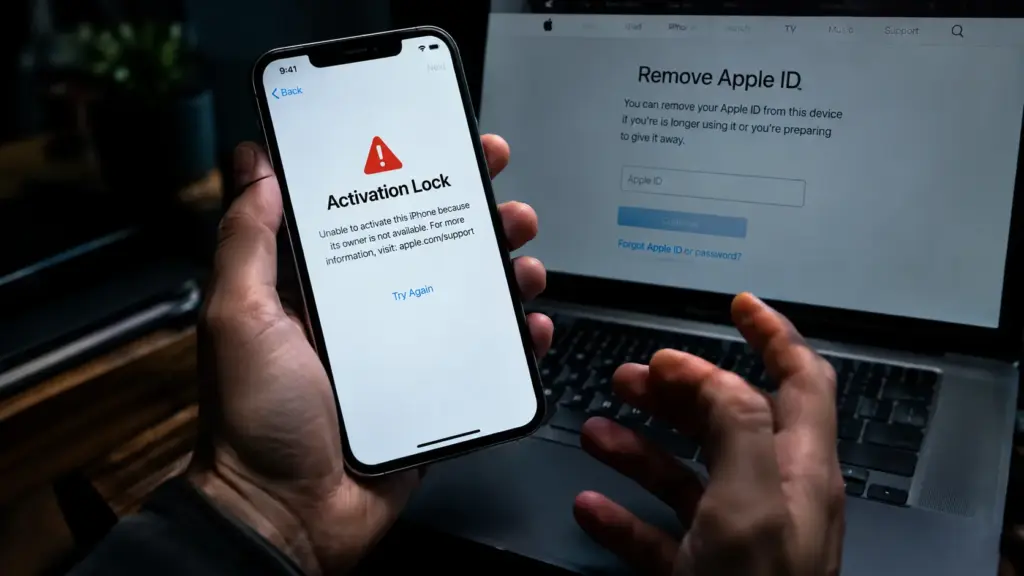
Most trade ins go smoothly. Here are the two issues that cause the most trouble.
Activation Lock Still On
This is the top reason a trade in fails. Activation Lock stays on when Find My is still tied to your Apple Account. Expect the phone to be rejected or valued at nothing until it is cleared.
How to fix it:
- Sign in with your Apple Account on the phone, if you still have it.
- Turn off Find My iPhone.
- Erase the phone again if needed.
If you no longer have the device, you can remove it from your account from another device. Our guide on Find My iPhone from a computer walks you through it.
Warning: Never buy or accept a used phone that still shows an owner’s lock. It is likely to be unusable.
Trade In Value Dropped After Inspection
This happens when the real condition does not match your description. Common reasons are hidden cracks, water damage, or a dead button.
What to do:
- Review the reason Apple or the seller gives.
- Compare it with your photos.
- You can usually decline the new offer and ask for the phone back.
Before you trade in, you can also run an iPhone IMEI check and an iPhone warranty check. They show the status and coverage of your phone.
FAQ
How much is my iPhone worth for trade in?
It depends on your model, storage, and condition. Apple lists “up to” values, and your real offer may be lower. Use Apple’s estimate tool and compare it with carriers and buyback sites.
Should I erase my iPhone before trade in?
It depends on where you trade in. If you go to an Apple Store, do not erase it first. The Specialist helps you finish the steps in store. If you mail it or sell it, back up and then erase it.
Can I trade in a cracked or broken iPhone?
Often yes, but the value will be lower. Some damage or an unfinished repair can stop the trade in. Check the terms before you start.
Is Apple trade in better than selling my iPhone?
Apple is faster and safer. Selling yourself usually pays more. Choose Apple if you want ease. Choose selling if you want the highest price.
Can I trade in an iPhone with Activation Lock on?
No. You must turn off Find My and remove your Apple Account first. Otherwise, expect the phone to be rejected or valued at nothing.
Final Thoughts
An iPhone trade in is one of the easiest ways to lower the cost of your next phone. Here is the short version:
- Get an estimate from Apple and at least two other places.
- Back up your data and move it to your new phone.
- Turn off Find My and remove your accounts.
- Erase the phone (unless you trade in at an Apple Store).
- Send it in and check your final credit.
Give it a try this week. It only takes about half an hour, and you could save a good amount on your upgrade.
Want to keep going? Read these next:

