


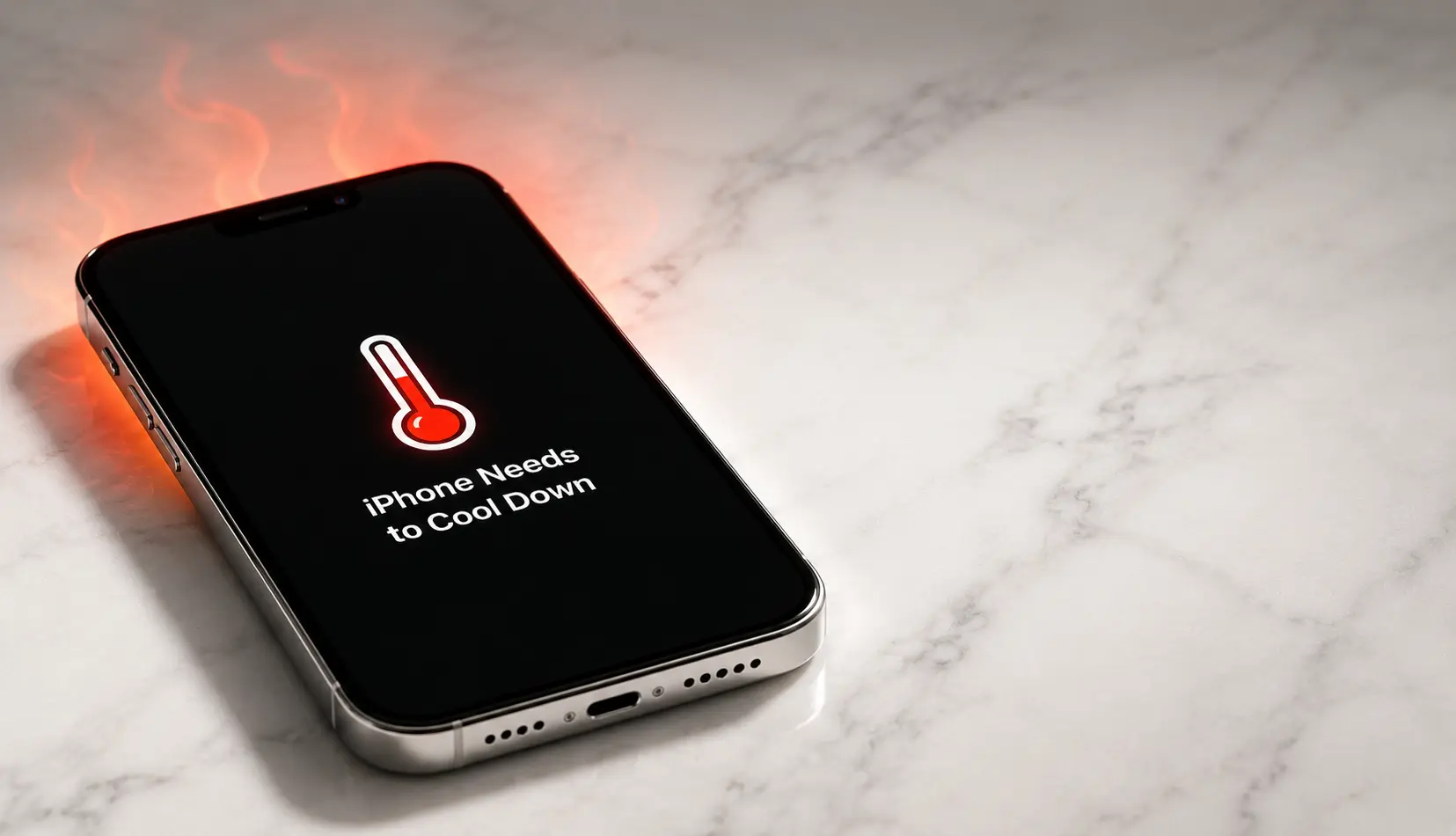
If your iPhone feels like it just came out of a toaster, you are not imagining things. iPhone overheating is one of the most searched Apple problems in 2026, and it happens for more reasons than most people realize. Whether your device gets hot while charging, warms up after a recent iOS 26 update, or simply refuses to cool down, this guide breaks down every cause, every fix, and every prevention tip you need.
Why Is Your iPhone Overheating? A Deep Dive into the Causes
Your iPhone does not have a fan. It relies on passive cooling through its aluminum frame, glass back, and smart software throttling. When the balance between heat generation and heat escape breaks, you feel it in your hand. Let us explore the most common scenarios where iPhone overheating shows up.
iPhone Overheating While Charging (and iPhone Overheating When Charging)
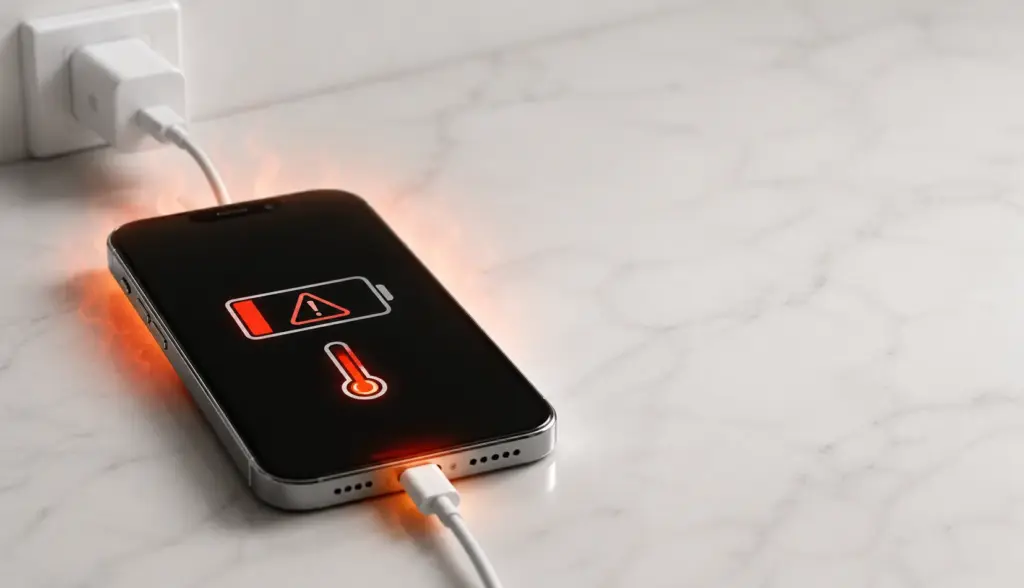
This is the complaint that shows up in Apple Support forums every single day. iPhone overheating while charging happens because charging is already an energy-intensive process. The battery accepts electrical current, converts it to chemical energy, and releases some of that energy as heat. Now, if you are scrolling TikTok, navigating with GPS, or on a FaceTime call at the same time, you are adding a massive processing load on top of the charging load.
The result? Your phone gets hot. Fast.
iPhone overheating when charging is even more common with wireless MagSafe chargers. Wireless charging creates electrical resistance between the coil in your phone and the coil in the pad. That resistance generates extra heat before the electricity even reaches your battery. If you use a thick case, the heat has nowhere to go.
Quick tip: If your phone feels hot on the charger, unplug it for ten minutes. Let it rest on a cool, hard surface before you plug it back in.
iPhone Overheating After Update
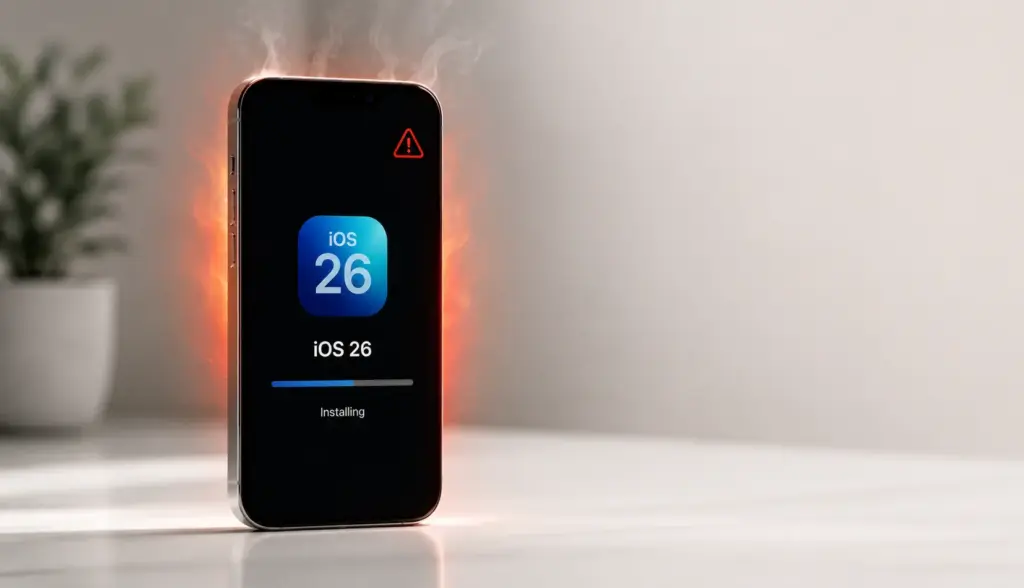
You just tapped “Install Now” on the latest update, and now your phone feels like a stovetop. iPhone overheating after update is almost always temporary, but it is still stressful.
After an update, your iPhone performs background tasks. It re-indexes your photos, rebuilds search databases, optimizes app storage, and recalibrates battery data. All of that happens while you are using the phone normally. The CPU runs at higher capacity for 24 to 72 hours, and the battery works harder to keep up.
If you are also restoring from an iCloud backup after the update, the heat can last even longer. The phone is downloading gigabytes of data, decrypting it, and writing it to storage all at once.
iPhone Overheating After iOS 26
The jump to iOS 26 introduced the new Liquid Glass interface, real-time transparency effects, and smarter on-device AI processing. iPhone overheating after iOS 26 has become a trending topic because older devices like the iPhone 14 and 13 are struggling to keep up with the new visual demands.
Apple designed iOS 26 primarily for the iPhone 17 and iPhone 16 lineups. When you install it on a device with an older A-series chip, the GPU works overtime to render those fluid glass layers. That extra graphical load translates directly into warmth.
Additionally, iOS 26 changes how background tasks are scheduled. The system now tries to complete machine learning tasks during charging, which means your phone might feel warmer than usual overnight.
iPhone Getting Hot When Using

Sometimes the heat is not random. It is directly tied to what you are doing. iPhone getting hot when using the camera for extended 4K recording, playing console-quality games, or using augmented reality apps is completely expected. These tasks push the CPU, GPU, image signal processor, and neural engine all at once.
Navigation apps are another hidden culprit. When you use Apple Maps or Google Maps in a car, the GPS radio, cellular data, and screen stay active continuously. If your phone is also charging from a car adapter, you have created a perfect storm for heat.
Social media apps can also trigger warmth. Apps that auto-play videos in feeds force the media decoder to work constantly. If you notice your phone getting hot every time you open Instagram or YouTube, that is why.
iPhone Suddenly Getting Hot
This one is scary because it feels random. One minute your phone is fine, and the next it is burning up. iPhone suddenly getting hot usually points to a software bug or a runaway background process.
A common trigger is an app crash loop. When an app fails to launch properly, it might try to restart itself repeatedly in the background. Each launch attempt uses CPU cycles, and if it happens dozens of times per minute, heat builds up fast. You can check for this in Settings > Privacy & Security > Analytics & Improvements > Analytics Data. Look for repeated crash logs from the same app.
Another cause is a rogue network process. If your iPhone is stuck trying to upload a massive file to iCloud over a weak Wi-Fi signal, the radio transmitter stays at maximum power. That generates significant heat, especially in warm rooms.
iPhone Keeps Overheating and Restarting
When heat gets severe, your iPhone protects itself by shutting down. If you notice your iPhone keeps overheating and restarting, you are dealing with a critical thermal issue. This is not normal behavior for everyday use.
The restart cycle usually happens when the internal temperature sensor hits a hard limit. The phone shuts down to protect the battery and logic board, cools for a few minutes, then turns back on. If the underlying cause is still present, it heats up again and repeats the cycle.
This pattern often indicates:
- A failing battery that cannot regulate charge properly
- A corrupted system file causing a CPU loop
- Liquid damage affecting the internal sensors
- A defective charging port creating a short
If your iPhone is stuck in an overheat-restart loop, stop charging it immediately and move to the hardware section below.
iPhone Overheating Reddit: What the Community Is Reporting
Tech forums and Reddit threads are valuable because they show real-world patterns. Searching iPhone overheating Reddit in 2026 reveals a few consistent themes.
Users on r/iPhone and r/AppleHelp report that the issue spikes right after every major iOS release. They also note that third-party wireless chargers are a common denominator. Many Redditors found that simply switching from a cheap Amazon basics charger to an Apple-certified adapter dropped their phone’s temperature by ten degrees or more.
Another frequent Reddit observation involves case removal. Users who switched from bulky protective cases to slim, ventilated ones saw immediate improvement. The community consensus is clear: if your phone is hot, the first thing you should do is take off the case and check your charger.
The Science Behind iPhone Heat: How Your Device Manages Temperature
Your iPhone is essentially a pocket-sized supercomputer. Inside, the A-series chip contains billions of transistors switching on and off billions of times per second. Every switch creates a tiny amount of heat. Normally, that heat is so small you never notice it. But when billions of switches happen simultaneously, the temperature rises.
Apple manages this through thermal throttling. When the internal sensor detects high temperatures, the system automatically slows down the processor. It also dims the screen, pauses charging, and disables the camera flash. These are not bugs. They are survival mechanisms.
The battery is the most temperature-sensitive part. Lithium-ion batteries hate heat. When a battery stays above 95°F (35°C) for extended periods, the electrolyte inside starts to degrade. This degradation is permanent. It reduces your total battery capacity and can create internal gas pressure, which is how batteries swell.
Your iPhone’s body is designed to act as a heat sink. The aluminum sides and glass back pull heat away from the internal components and release it into the air around you. That is why your phone feels warm to the touch when it is working hard. The warmth is actually a good sign—it means the cooling system is working. The problem starts when the heat cannot escape fast enough.
iPhone Overheating Warning Signs You Should Never Ignore
Your device tries to warn you before damage occurs. Learn to read these signals.
Screen dimming automatically. If your brightness slider is at maximum but the display looks dull, thermal throttling is active. Your iPhone is sacrificing visibility to save itself.
Charging slows or stops. You plug in at 20% and come back an hour later to find 35%. The phone paused charging because the battery was too hot. This is directly related to iPhone not charging issues that many users confuse with cable failures.
The temperature warning screen. A black screen with a red thermometer appears, and your iPhone becomes unresponsive. This is an emergency stop. Move the phone to a cooler environment immediately and do not use it until the warning disappears.
Performance lag. Apps stutter. The keyboard lags. Animations look choppy. These are signs that the CPU is running at reduced speed to lower heat output.
Rapid battery drain. Heat and battery drain are best friends. When your phone is hot, the battery becomes less efficient. You might lose 1% per minute even when the screen is off. If this happens, read our guide on iPhone battery draining fast to fix both problems together.
Immediate Fixes: How to Cool Down Your iPhone Right Now
When your phone is hot in your hand, you need action, not theory. Follow these steps in order.
1. Remove the case immediately.
Take off every case, cover, and MagSafe wallet. Your iPhone needs direct contact with cool air. A thick silicone case can trap ten degrees of heat against the frame.
2. Stop charging and unplug.
If you are wired or wireless charging, disconnect. Charging generates heat by itself. Let the phone cool before you plug it back in.
3. Close all background apps.
Double-click the Home button or swipe up from the bottom and swipe away every open app. Background apps add to the CPU load even when you are not looking at them.
4. Turn off Background App Refresh.
Go to Settings > General > Background App Refresh and toggle it off. This stops apps from updating content silently, which is a major heat source.
5. Lower screen brightness and disable auto-brightness temporarily.
Pull down Control Center and drag the brightness slider to the lowest comfortable level. The display is one of the biggest power consumers on your iPhone.
6. Move to a cooler environment.
Get out of direct sunlight. Move indoors. Place the phone on a ceramic tile, glass table, or metal surface. These materials pull heat away faster than wood or fabric.
7. Enable Airplane Mode for five minutes.
Swipe into Control Center and tap the airplane icon. This shuts down cellular, Wi-Fi, and Bluetooth radios. It gives your phone a complete break from signal transmission, which is a surprisingly large heat source.
8. Restart your iPhone.
If the heat feels abnormal, power the phone off completely. Wait two minutes. Turn it back on. A fresh boot clears software glitches that might be causing a CPU loop. If you need help, our guide on how to restart iPhone covers every model.
Long-Term Prevention: Stop iPhone Overheating Before It Starts
Cooling your phone is reactive. Prevention is better. Build these habits into your routine.
Optimize Your Charging Habits
Charge your iPhone overnight on a cool nightstand. Avoid charging it inside a car on a hot dashboard. Do not use your phone heavily while it is charging. If you must charge during the day, place it on a hard, cool surface instead of a couch cushion or bed.
Use only Apple-certified or Made for iPhone (MFi) accessories. Cheap chargers do not regulate voltage properly. They force your battery to accept erratic power, which creates excess heat and long-term damage.
Adjust Your Software Settings
Go to Settings > Privacy & Security > Location Services and set most apps to “While Using” instead of “Always.” GPS is a constant radio transmission, and it warms up your phone quickly.
Turn off Settings > General > Motion > Reduce Motion. This lowers the GPU workload by disabling parallax effects and zoom animations.
Disable Analytics & Improvements if you do not need them. Constant background data logging uses CPU resources.
Choose the Right Case and Environment
Use slim, breathable cases. Avoid wallet cases that cover the back completely. If you live in a hot climate, consider a case with ventilation channels or go caseless when you are at home.
Never leave your iPhone in a parked car. Interior temperatures can exceed 120°F (49°C) in direct sunlight, which is well above Apple’s safe operating range.
Monitor Battery Health
Your battery is the heat engine of your phone. Go to Settings > Battery > Battery Health & Charging and check your Maximum Capacity. If it is below 80%, your battery is working much harder to deliver the same power, and it will run hotter. Learn exactly how to check battery health on iPhone so you can track this monthly.
If your battery health is poor, schedule a replacement at an Apple Store. A new battery runs cooler and holds charge longer.
Keep iOS Updated
Apple releases patches that fix power management bugs. An outdated iOS version can contain errors that cause unnecessary background processing. Always install the latest iPhone update when it is available.
iPhone Overheating After iOS 26: Special Considerations
If you installed iOS 26 and now your phone runs hot, you are not alone. Let us separate normal behavior from real problems.
The First 72 Hours
iOS 26 performs a massive background optimization after installation. It re-indexes every photo, rebuilds Spotlight search, and re-analyzes your battery usage patterns. During this window, iPhone overheating after iOS 26 is expected. The phone should return to normal temperature by day three.
If you are restoring from a backup, the process takes even longer. Your phone is downloading apps, photos, messages, and settings while also running the new system. Give it time.
The Liquid Glass Effect
iOS 26 introduces real-time transparency and depth layering across the entire interface. On older devices, rendering these effects requires more GPU power than previous iOS versions. iPhone 14 and earlier models may feel warmer during simple tasks like opening Control Center or switching apps.
You can reduce this load by enabling Reduce Motion in Accessibility settings. This tells the system to use simpler transitions.
New Adaptive Charging
iOS 26 changes how Optimized Battery Charging works. The system now learns your daily schedule more aggressively and may delay charging past 80% until it predicts you will unplug. During this learning phase, the battery management chip is more active, which can create slight warmth.
When to Worry
If your phone is still hot after a full week, or if it gets hot while sitting idle on a table, you have a problem. Check for app updates. Developers often release compatibility patches after a new iOS launch. An outdated app can conflict with iOS 26 and cause a background loop.
When Software Fixes Fail: Hardware Problems and Repair Options
Sometimes the issue is not an app or a setting. It is the physical hardware inside your phone.
Signs of Hardware Failure
- Persistent heat even in Safe Mode. If you restart your phone and it still gets hot with no apps open, the problem is likely the battery or logic board.
- Swollen battery. Look for a bulging screen, a gap between the display and the frame, or a wobbly phone on a flat table. A swollen battery is dangerous and can catch fire. Stop using the phone immediately.
- Charging port damage. If the charging port is loose, corroded, or has debris inside, it can create a short circuit. This causes rapid heat generation the moment you plug in.
- Water damage. Even if your phone survived a splash, internal corrosion can cause erratic electrical behavior months later. Heat is a common delayed symptom.
Repair Options
For any hardware-related iPhone overheating, an Apple Authorized Service Provider is your safest choice. They use genuine Apple batteries and parts, and they preserve your warranty. Third-party shops may offer lower prices, but non-genuine batteries often lack proper thermal safeguards.
If your iPhone is under warranty or AppleCare+, battery replacements are usually free when the health drops below 80%. If the device is out of warranty, a battery replacement typically costs between $69 and $99 depending on the model.
Before you visit, back up your data to iCloud or your computer. Some repairs require a full erase.
Expert Insight: What Apple Says About Thermal Management
“Use your iPhone where the ambient temperature is between 0º and 35º C (32º to 95º F). Low- or high-temperature conditions might cause your device to change its behavior to regulate its temperature. Using an iOS device in very hot conditions can permanently shorten battery life.”
— Apple Support, If your iPhone or iPad gets too hot or too cold
This official guidance confirms that heat is not just uncomfortable. It is a direct threat to your battery’s lifespan. Apple also states that storing your device in temperatures above 113°F (45°C) can damage it even when powered off.
Another official Apple document on battery care explains:
“Charging the device in high ambient temperatures can damage it further.”
— Apple Support, Charge and maintain your iPhone battery
This means your charging habits and environment matter just as much as the charger itself.
Quick Reference: Cause, Symptom, and Fix
| Cause | Symptom | Immediate Fix | Long-Term Prevention |
|---|---|---|---|
| iPhone overheating while charging | Warm back, slow charging | Unplug, remove case | Use certified chargers, avoid using while charging |
| iPhone overheating after update | Heat for 2–3 days post-update | Wait, close apps, restart | Ensure stable Wi-Fi during update, update apps |
| iPhone getting hot when using | Heat during gaming, maps, or camera | Pause use, lower brightness | Limit session length, reduce motion settings |
| iPhone suddenly getting hot | Random heat spikes, battery drain | Check crash logs, restart | Delete rogue apps, update iOS |
| iPhone keeps overheating and restarting | Boot loop, black thermometer screen | Stop charging, cool down | Battery replacement at Apple Store |
| iPhone overheating after iOS 26 | Heat on older devices post-update | Enable Reduce Motion | Wait 72 hours, update all apps |
| iPhone overheating when charging | Heat specifically on charger | Change to wired charging, cool surface | Replace cheap wireless pad with certified one |
FAQ: Your iPhone Overheating Questions Answered
Why is my iPhone overheating while charging?
Charging creates natural heat, especially with wireless pads. If you are also using the phone, the combined load pushes temperatures higher. Use a certified charger, remove the case, and avoid heavy tasks during charging.
Is it normal for my iPhone to get hot after an iOS 26 update?
Yes, for the first 48 to 72 hours. Your phone is re-indexing data and optimizing the new system. If the heat continues beyond a week, check for app updates or reset settings.
Why is my iPhone suddenly getting hot for no reason?
A background app crash loop, a stuck iCloud upload, or a rogue location service can cause sudden heat. Check Settings > Battery to see which app is using the most power, then close or update it.
Can overheating permanently damage my iPhone battery?
Yes. Apple confirms that sustained temperatures above 95°F (35°C) can permanently reduce battery capacity. Over time, this leads to faster drain and shorter overall lifespan.
My iPhone keeps overheating and restarting. What should I do?
This is a critical hardware warning. Stop charging immediately. If the phone is in a restart loop, let it cool completely. If the problem returns, book a Genius Bar appointment for battery or logic board inspection.
What do Reddit users say works best for iPhone overheating?
The most upvoted fixes are removing the case, switching to Apple-certified chargers, and disabling Background App Refresh. Many users also report that turning off 5G and using 4G LTE reduces heat in weak signal areas.
Conclusion
iPhone overheating is a frustrating experience, but it is rarely a mystery. Whether your phone is hot while charging, warm after an iOS 26 update, or randomly spiking in temperature, the cause is almost always one of the issues we covered above.
Start with the immediate cooling steps. Then adjust your charging habits, software settings, and case choices for long-term relief. Keep your iOS updated, monitor your battery health, and never ignore a temperature warning screen.
If your heat issues come with rapid battery loss, check our guide on iPhone battery draining fast to solve both problems. For charging-specific troubleshooting, visit iPhone not charging. And make it a habit to check battery health on iPhone every month so you catch problems before they become emergencies.
Your iPhone is built to last. Give it the right environment, the right accessories, and the right settings, and it will stay cool, fast, and reliable for years to come.

